
Pump Controller ESP32
Web-Controlled Smart Pump System
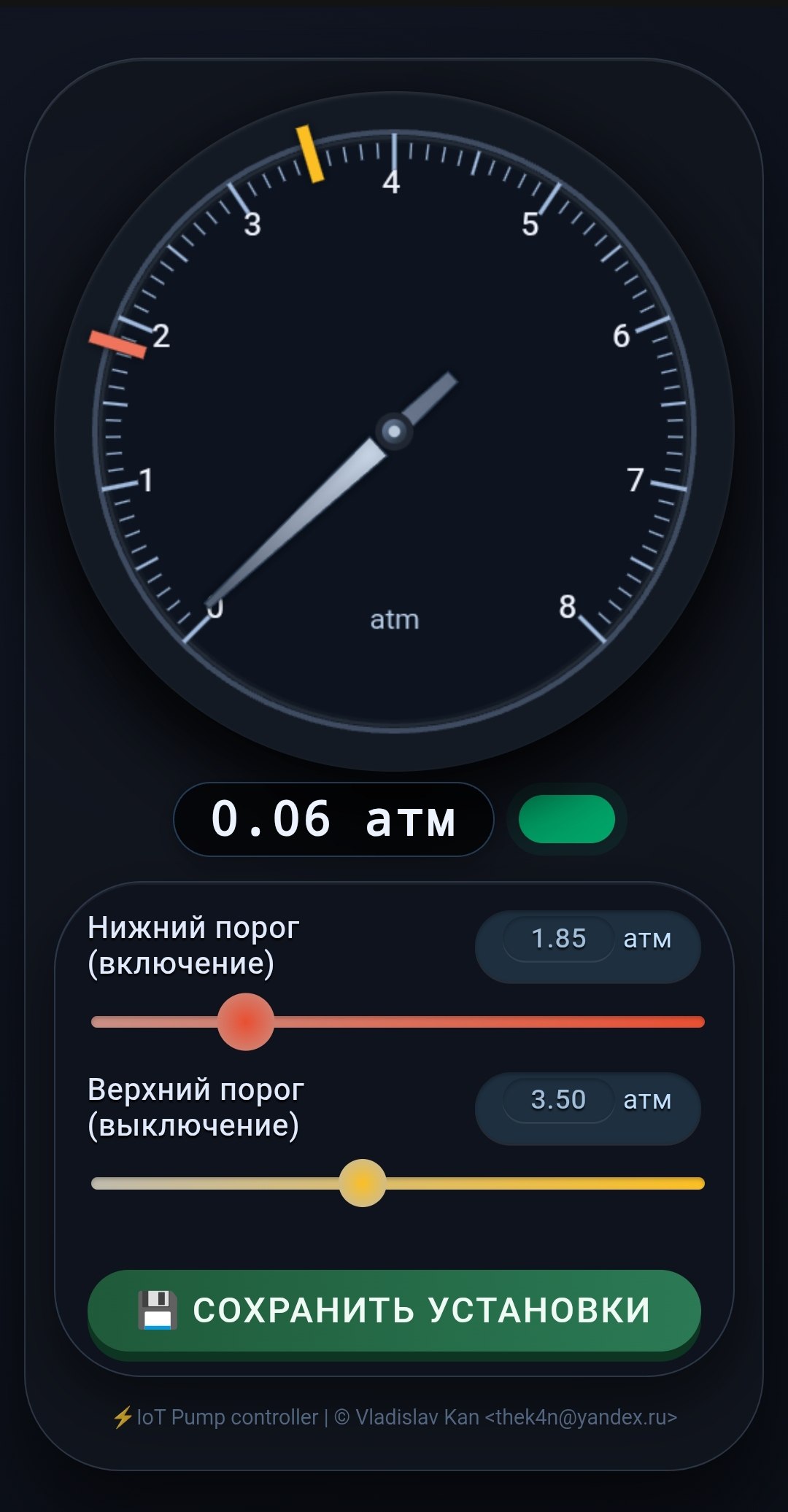
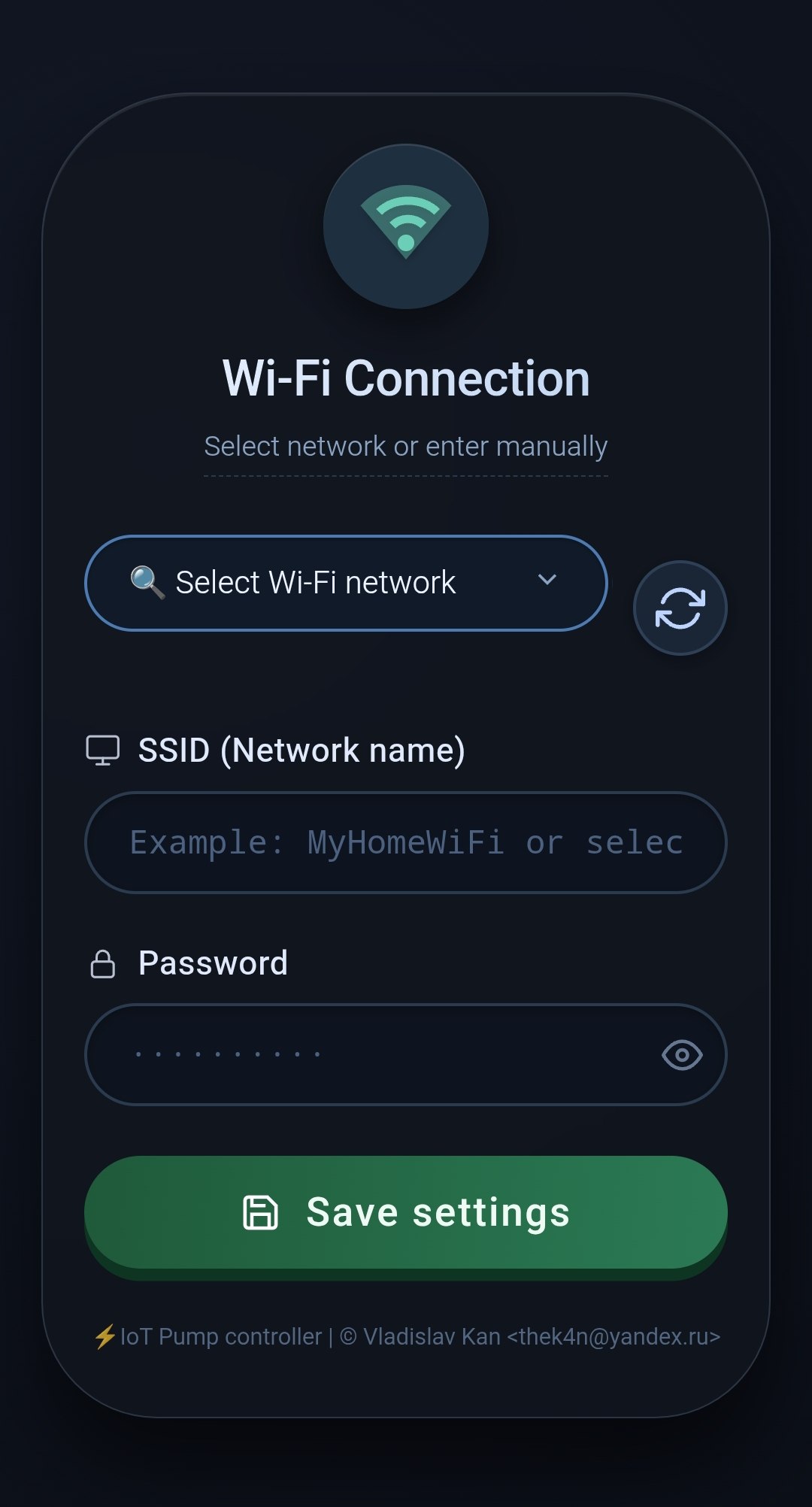
⚙️ Main Dashboard | 🛠️ Setup Wizard
Features
- Web-based pressure monitoring
- OTA-ready & configurable via browser
- Auto-reset & fail-safe AP mode
🛠️ Build & Flash
Important
Requires ESP-IDF framework and
justtask runner
Connect your esp32 and run:
PORT="/dev/ttyUSB0" \
ESP_IDF="~/playground/esp-idf/"
just build flash
First-Time Setup
On first boot, the device creates a captive Wi-Fi access point:
- SSID:
pumpcontroller - IP:
192.168.4.1 - Port:
80
Steps:
- Connect to
pumpcontrollerWi-Fi - Open browser ->
http://192.168.4.1 - Enter your home Wi-Fi SSID + password
- Device reboots → joins your network
- Find its IP in your router's DHCP list
That IP becomes your pump control dashboard
Factory Reset
- Short pin
D15to GND - Power on the device
- LED blinks 3 times 🔴🔴🔴
- Remove the short after the 3rd blink
- Device reboots → access point mode restored