
Pump Controller ESP32
Web-Controlled Smart Pump System
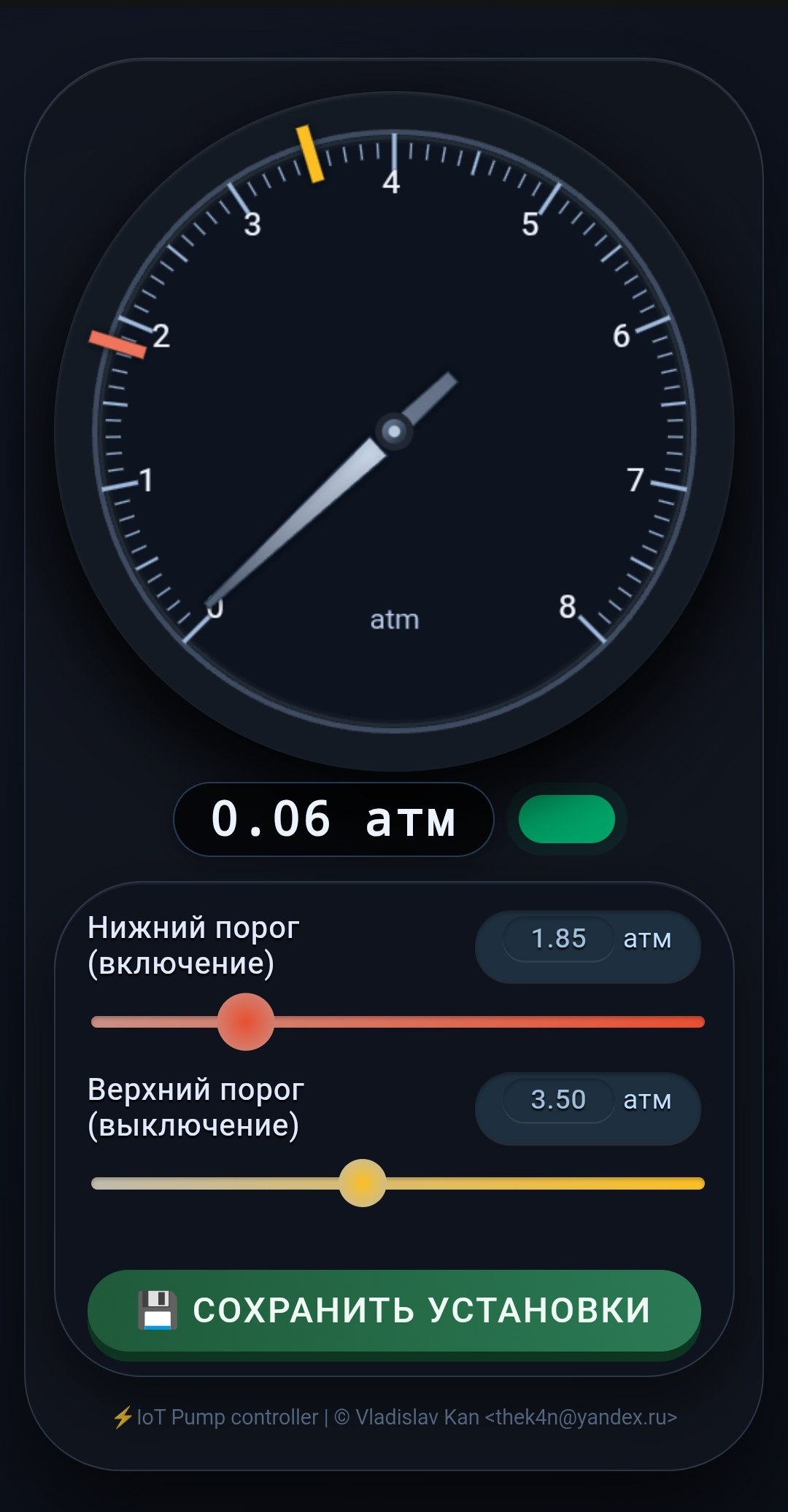
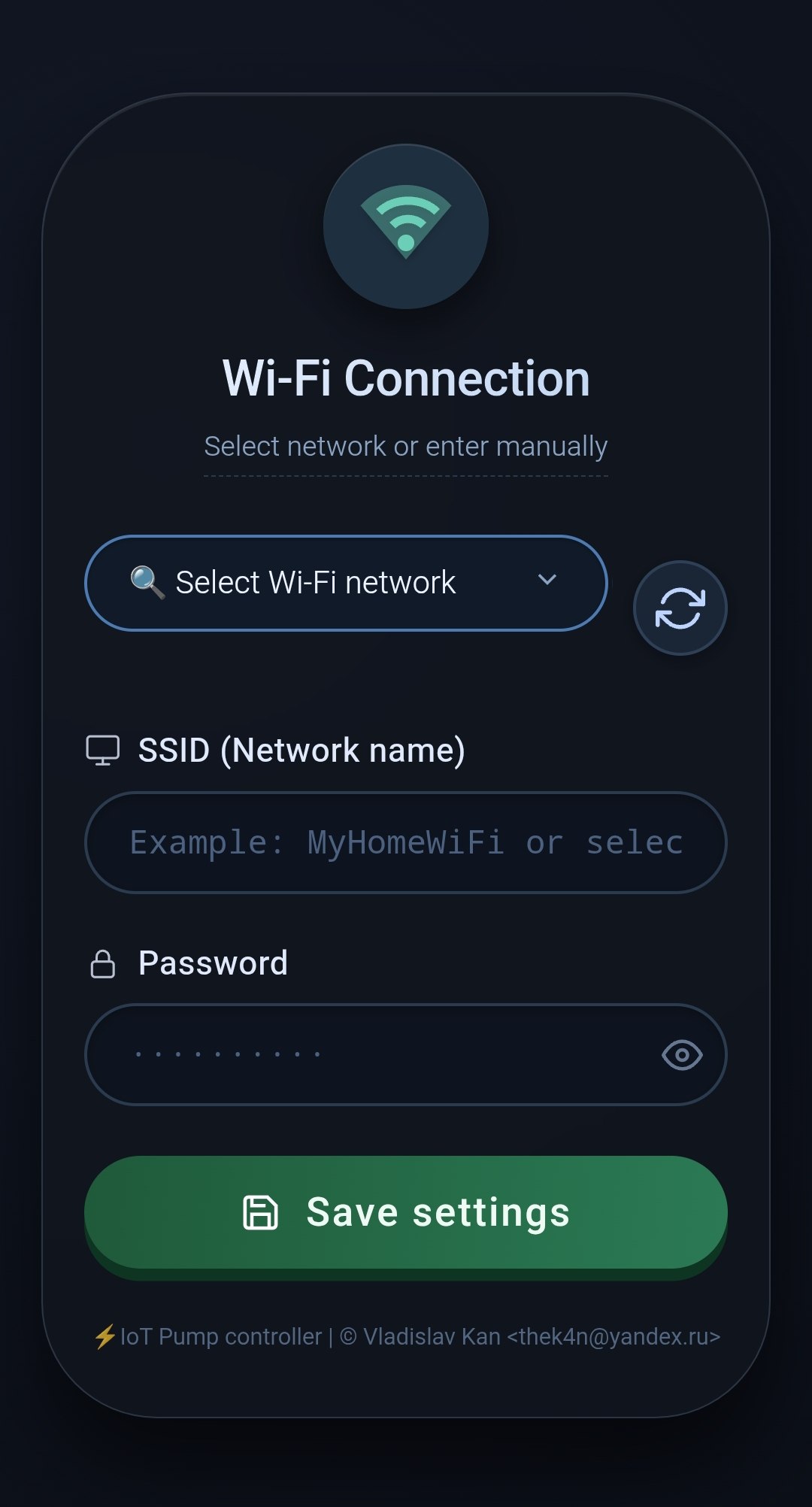
⚙️ Main Dashboard | 🛠️ Setup Wizard
Features
- Web-based pressure monitoring
- OTA-ready & configurable via browser
- Auto-reset & fail-safe AP mode
🛠️ Build & Flash
Important
Requires ESP-IDF framework and
justtask runner
Connect your esp32 and run:
PORT="/dev/ttyUSB0" \
ESP_IDF="~/playground/esp-idf/"
just build flash
First-Time Setup
On first boot, the device creates a captive Wi-Fi access point:
- SSID:
pumpcontroller - IP:
192.168.4.1 - Port:
80
Steps:
- Connect to
pumpcontrollerWi-Fi - Open browser ->
http://192.168.4.1 - Enter your home Wi-Fi SSID + password
- Device reboots → joins your network
- Find its IP in your router's DHCP list
That IP becomes your pump control dashboard
Warning
If you enter wrong credentials, the device will not connect. You’ll need to factory reset and try again.
Factory Reset
- Short pin
D15to GND - Power on the device
- LED blinks 3 times 🔴🔴🔴
- Remove the short after the 3rd blink
- Device reboots → access point mode restored